
In our experience, the best VPN for China is ExpressVPN: the last one we installed, and still the only one that stayed connected for the whole stay. Surfshark is the right pick for a family, with unlimited devices and its NoBorders mode. NordVPN rounds out the trio with obfuscated servers built for networks that recognize VPNs.
None of the three is guaranteed: a VPN can work one day and be blocked the next. So you bring two and set everything up before you leave.
| Rank | VPN | Why it's here | Best for | Guarantee | Deal |
|---|---|---|---|---|---|
| 1 | ExpressVPN | The VPN that lasted to the end. TrustedServer (RAM-only servers) and the Lightway protocol, which reconnects right away. | Travelers who want something that just works | 30 days | See the deal |
| 2 | Surfshark | Unlimited devices on one subscription, NoBorders mode for restrictive networks. | Families and smaller budgets | 30 days | See the deal |
| 3 | NordVPN | Obfuscated servers that make VPN traffic harder to spot, no-logs policy. | Anyone who wants an option built around filtering | 30 days | See the deal |
Why the internet in China is so tricky
You land, switch your phone back on, and the apps you open ten times a day stop responding. Google won't load, Gmail keeps spinning, Google Maps can't find where you are. It isn't an outage. That is simply how the Chinese network works.
The filtering relies on a set of systems usually called the Great Firewall. It blocks access to a long list of foreign services, and it doesn't stop at cutting off websites. It also analyzes traffic to spot connections that look like a VPN, then slows them down or drops them. That second part is what makes things hard. A regular VPN that works fine for streaming a show from a hotel in Spain can go silent in China because its traffic pattern gets recognized.
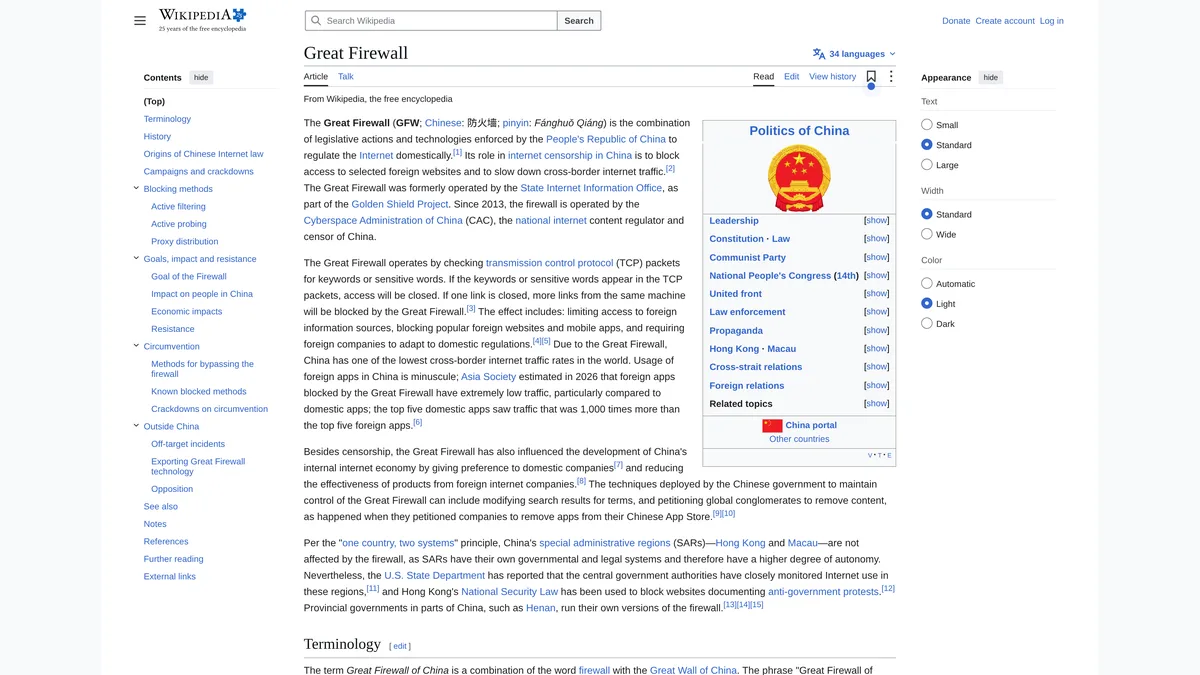
The services affected, based on our trip and on the lists the providers publish themselves: Google products (Search, Gmail, Maps, Drive, YouTube), the big Western social networks (Facebook, Instagram, X), several messaging apps including WhatsApp, and part of the international news sites. Their Chinese counterparts work perfectly. The problem isn't that you have no internet. The problem is that you can't get to your internet.
There is no permanent fix, and that is where it starts
First, something to accept: no provider can promise its service will get through every single day. Filtering methods change, providers adjust their servers and protocols, and the situation sometimes shifts from one week to the next or from one network to another. An international hotel's Wi-Fi and the data on a local SIM card don't behave the same way.
So the right approach isn't hunting for "the" VPN. It's preparing two, setting them up before you leave and knowing how to switch from one to the other. With 30-day money-back guarantees, that approach costs little: once you're home, you cancel the one you used less.
That is exactly what we did. Three VPNs installed before the trip. One of them, ExpressVPN, stayed on from the first day to the last. The other two each have a clear use, which we explain below.
ExpressVPN: the VPN we kept until the end of the stay
We had installed it last, almost as an afterthought. It still worked best, and by a wide margin: a steady connection at the hotel, quick recovery on public transit, and not a single day without access to our usual apps. Two technologies explain that result.
TrustedServer: servers that wipe themselves at every reboot
ExpressVPN servers run entirely on volatile memory, meaning RAM. That memory is cleared every time a server restarts, and everything in it disappears. It backs up their no-logs policy: no record of your activity or your connections. For the privacy of your data in a country where the network is closely watched, that is a point that counts.

Lightway: the protocol built for switching networks
For the connection itself, ExpressVPN uses Lightway, its own protocol. The big advantage on a trip is how it handles network changes. You go from hotel Wi-Fi to cellular data, you lose signal for a moment in the subway: Lightway is designed to pick the connection right back up without you restarting anything. If you spend your days between the hotel, the metro and day trips, that is the difference between a VPN you forget about and one you keep checking.

The practical side: apps for phone, computer and tablet, 214 server locations listed on its site, between 10 and 14 devices at once depending on the plan, and a 30-day money-back guarantee. Prices change often and depend on where you buy from, so check the pricing page when you order.
The VPN we kept until the flight home. A 30-day money-back guarantee, long enough for a full trip.
See the ExpressVPN dealSurfshark: the pick for a family or a smaller budget
Our second pick is Surfshark. It gets interesting as soon as you travel with other people and want to cover a lot of devices. A single subscription allows an unlimited number of simultaneous connections: your phone, your laptop and the kids' tablets too. You equip the whole family without stacking subscriptions, and that changes the math on a group trip.
NoBorders: the mode for networks that filter
For restrictive networks, Surfshark has a feature called NoBorders. When the app detects certain restrictions on the network, that mode can switch on by itself and suggest a set of servers suited to the situation. You go straight to servers worth trying instead of working through the whole list at random. You can also turn it on manually in the settings, and we recommend finding that switch before you leave.
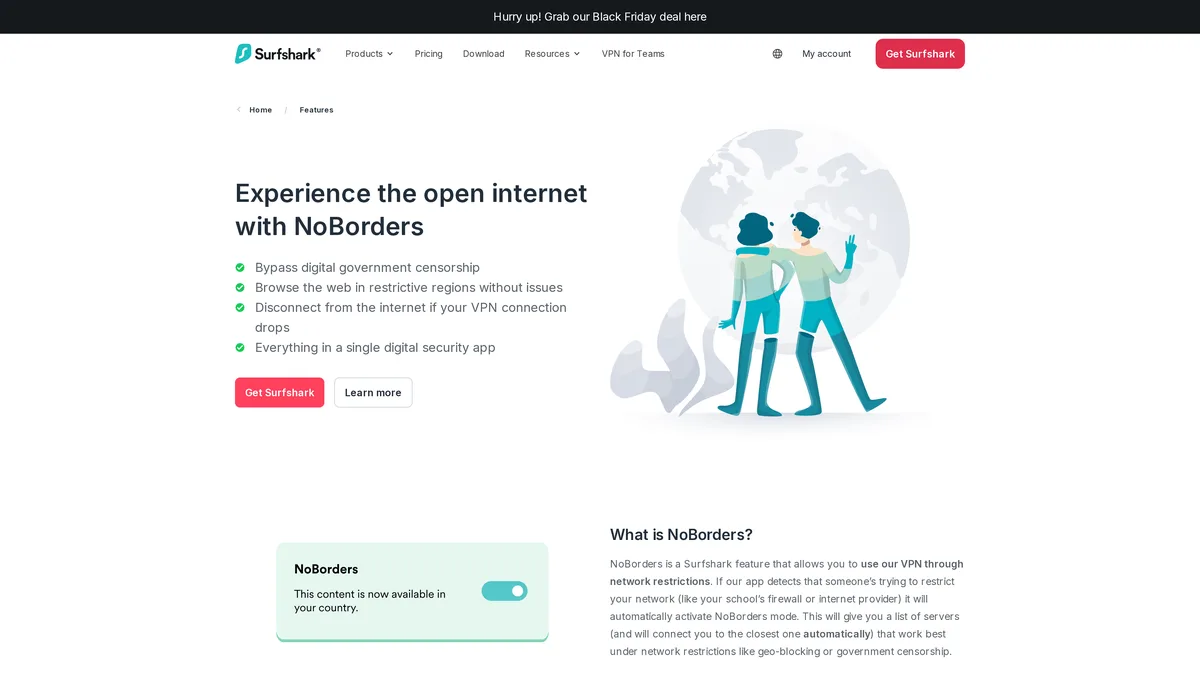
One detail that matters in a family: find the option on every device you bring. That way you won't be digging through everyone's settings once you're there, at the exact moment nobody has a connection to read the manual. Surfshark also comes with a 30-day money-back guarantee.
Unlimited devices and NoBorders mode: the right choice for a trip with several people.
See the Surfshark dealNordVPN: obfuscated servers against filtering
Our third pick, and far from the least, is NordVPN. Why is it on this list? Mostly for its obfuscated servers, built for networks where VPN connections get recognized or filtered. NordVPN also leans on a no-logs policy, one more point in favor of privacy.
Encrypting the content isn't enough, you also have to hide the shape
To see what they're for, you need to separate two things: the content of your connection and the way the network recognizes that connection. Encryption protects the content. But a network can still tell that you are using a VPN, because the traffic has a recognizable shape. Obfuscated servers try to make that traffic harder to recognize for the systems trying to filter it. That feature is exactly why NordVPN is here.

You'll find this option under specialty servers in the app. Settings differ from one device to another, and NordVPN recently changed how this server category works. Read the guide for your system before you leave and save it offline.
Does NordVPN still work in China?
During our stay, yes, through the obfuscated servers. It wasn't the VPN we used most, but it did its job whenever we switched to it. That says nothing about next month: like every provider, NordVPN can be blocked for a while, which is the whole reason to travel with a second option.
For networks that recognize VPNs: specialty servers and a no-logs policy.
See the NordVPN dealHow we picked these three VPNs
No benchmarks and no lab protocol. We installed several services before a stay in China, on phones and computers, and wrote down day after day what connected, what dropped and what stayed usable when the network changed. The rankings follow those notes, filmed and published in the video at the top of this page.
Four criteria counted. How well a VPN recovers a connection after a drop, because on a trip you switch networks constantly. Whether it has a mode for restrictive networks, and how easy that mode is to find in the app. The number of devices per subscription. And the money-back guarantee, which lets you pair two services at the start of a trip without paying for both for a whole year.
Price comes second on purpose. On long plans the three services end up close to each other, and prices change every week. We send you to the official pricing pages rather than making price a criterion.
Getting your VPN ready before you leave: the checklist
Our main piece of advice fits in one sentence: do everything before you leave. Once in China, the app store may not respond, the provider's website may not either, and the help page will be out of reach too. Here is the order we follow.
- Install the apps on every device you bring, not just your main phone.
- Sign in on each device and run a first test from home, so you know the login works and the app is up to date.
- Find the mode for restrictive networks (NoBorders on Surfshark, obfuscated servers on NordVPN) and learn how to turn it on by hand.
- Save the provider's instructions and the support contact details offline, screenshots included.
- If you take several subscriptions, write down the refund deadline for each one, so you cancel what you won't keep in time.

Can you download a VPN once you're in China?
Sometimes, but don't count on it. In mainland China, VPN apps are generally missing from the local app stores, and the providers' websites can be slow or unreachable without a VPN already running.
If you're already there without a VPN, try the hotel Wi-Fi and your phone's roaming data in turn, since they don't filter the same way. But the honest answer is simpler: install everything at home, where it takes five minutes.
Which servers to pick once you're there
A server that is geographically close usually gives the best speed. From China, Japan, South Korea, Singapore, Hong Kong or Taiwan are the logical choices. If you want your US services as if you were home, a server in the United States works too, with a bit more lag. West Coast locations are the closest ones from Asia.
If a connection fails, don't reach for anything complicated right away: pick another location. Providers run lots of servers, and one server being blocked at a given moment tells you nothing about the next. On Surfshark, NoBorders mode suggests a suitable list right away. On NordVPN, stay within the obfuscated servers category.

What if the VPN stops connecting?
It will probably happen at least once during your stay. In this order: pick another server, then try a different protocol in the app settings, and turn on the mode for restrictive networks if you haven't already. Also try switching from Wi-Fi to cellular data, or the other way around: the two networks don't filter the same way.
If nothing works, switch to your second VPN. That is exactly why you brought it. Keep the instructions offline and close at hand: the provider's help page may itself be unreachable right when you need it.
What about Astrill, Proton VPN or LetsVPN?
These names come up constantly in forums and on Reddit, and Astrill in particular has a solid reputation among long-term expats. We didn't use them on this trip, so we won't tell you whether they work. Our rankings only cover services we actually ran on the ground.
If you're weighing one of them, apply the same rules as for our three picks: install it before you leave, check whether it has a mode for restrictive networks, read its refund policy, and keep a second option ready. A VPN recommended in a forum thread from six months ago may behave very differently today.
An eSIM with a VPN for China: an alternative worth knowing
Many American travelers look for an eSIM for China with a built-in VPN. The idea is simple: some international eSIMs route your data through a foreign carrier, so your usual services can respond without a VPN. In practice, that often works over roaming data, but not on the Wi-Fi at your hotel, a café or the airport. There, you're back on the Chinese network and its filtering.
That is why we see the eSIM as a complement, not a replacement. A VPN you install and test before you leave covers every situation, Wi-Fi included, and it works on your computer too, which an eSIM doesn't protect. If you leave with an eSIM, still keep a VPN ready: the day roaming isn't enough, you'll have it set up already.
A free VPN for China: a false economy
The question keeps coming back and the answer is short: no. Free services have no obfuscated servers, no in-house protocols and none of the server network it takes to get past active filtering. They are the first to get blocked. Whatever stays reachable is so limited in speed and data that it's good for little more than email, if it isn't making money from your data in the first place.
If budget is your constraint, use the money-back guarantees. Thirty days with all three services in these rankings is enough for a trip, and you come home having had a full service the whole time.
Is using a VPN in China legal?
VPN use is tightly regulated in China. The services allowed are the ones approved by the authorities, and the foreign providers named here are not among them. In practice, many travelers report using a VPN to reach their usual services, but the situation can change and depends on context, especially for business or long-term use.
We are not lawyers and this page is not legal advice. Check official sources before you go, and only use a VPN to reach your own everyday services.
Frequently asked questions about VPNs in China
What is the best VPN for China?
For us, ExpressVPN: it stayed connected for our whole stay. Surfshark comes out on top if you travel with a family and lots of devices, and NordVPN if you want an option built for networks that recognize VPNs.
Do you need to install the VPN before arriving in China?
Yes, no exceptions. Once there, the app store and the provider's website may be unreachable. Install the app, sign in and test it once from home.
How many VPNs should you bring?
Two. No service is safe from a temporary block. If one goes down, the other takes over, and thanks to money-back guarantees you only keep the one you really used.
Does ExpressVPN work in China?
It did for us, from the first day to the last, which is why it tops these rankings. Like any VPN, it can hit a rough patch, so keep a second option installed.
Which sites are blocked in China?
Google services (Search, Gmail, Maps, YouTube), Facebook, Instagram, X, WhatsApp and part of the international news sites. The lists change, but these services were unreachable during our stay.
Does WhatsApp work with a VPN in China?
With the VPN on, we could use our usual messaging apps. Without a VPN, WhatsApp didn't get through. Still, set up a local app to message people you meet there.
Cellular data or hotel Wi-Fi?
Both worked, not always at the same time. When one blocks, the other often gets through. That is where Lightway made the difference on ExpressVPN, by restoring the connection at every network change without us touching anything.
Can a free VPN work in China?
We didn't see a single one work. They lack the features needed against filtering and are the first to get blocked. A 30-day money-back guarantee on a paid service is a much better option for a trip.
What we would do in your place
Make ExpressVPN your first choice. Add Surfshark if you travel with other people, or NordVPN if you'd rather have a second option built around filtering. Install everything before you leave, test it, save the instructions offline and write down the refund deadlines. Once there, switch servers before you worry, and move to the second VPN if the first one drops.
Have you used a VPN in China? Tell us in the comments under the video which one and when. It helps anyone planning a trip, and we update this page with what you share.
Our first choice for China, used from the first to the last day of the stay.
See the ExpressVPN deal
Cloakway. VPNs we actually use, on the road and at home. We tell you what worked and what got stuck, in videos on our channel and in our country guides.