Rankings updated November 4, 2026

The best VPN of 2026: the services we actually use

No test lab and no score out of 100. We install VPNs before a trip, take them along in the suitcase, and keep or delete them depending on how they behave once we land. Here is what made the cut.

See the rankings
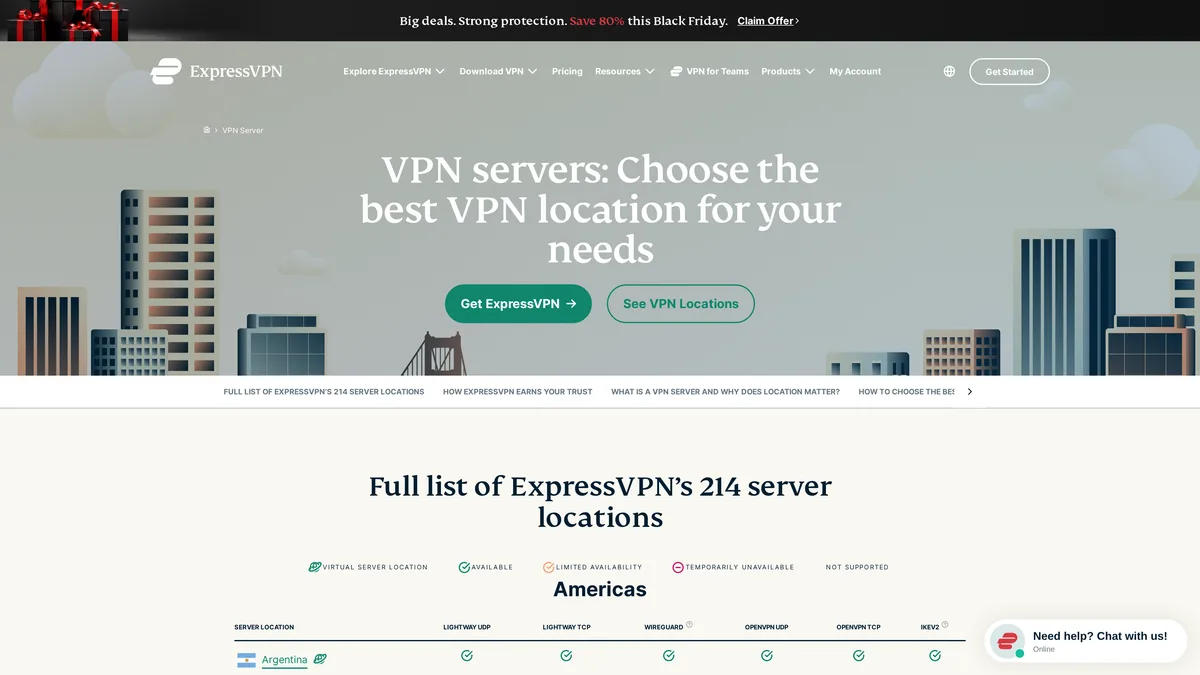
ExpressVPN TrustedServer page, screenshot taken November 4, 2026
expressvpn.com, screenshot from 11/04/2026

The rankings at a glance

Four services, four profiles. The first one held up the longest in our real-world conditions. The others fit a clear need: a family with lots of devices, networks that filter VPNs, or a tighter budget.

RankVPNBest forWhat sets it apartGuaranteeDeal
1ExpressVPNTravelers who want it to just workThe service we kept using until the end of a stay in China. It reconnects right away when you switch networks.30 daysSee the deal
2SurfsharkFamilies and smaller budgetsUnlimited devices on one subscription, NoBorders mode for restrictive networks.30 daysSee the deal
3NordVPNPeople connecting from networks that block VPNsObfuscated servers that make VPN traffic harder to spot, no-logs policy.30 daysSee the deal
4CyberGhostA first VPN, no fussA very simple app, servers in more than 100 countries, the longest guarantee in these rankings.45 daysSee the deal

Guarantees checked on the official websites on November 4, 2026. Prices change almost every week and depend on where you buy from, so check them on each provider's pricing page before you subscribe.

The four VPNs in our rankings, in detail

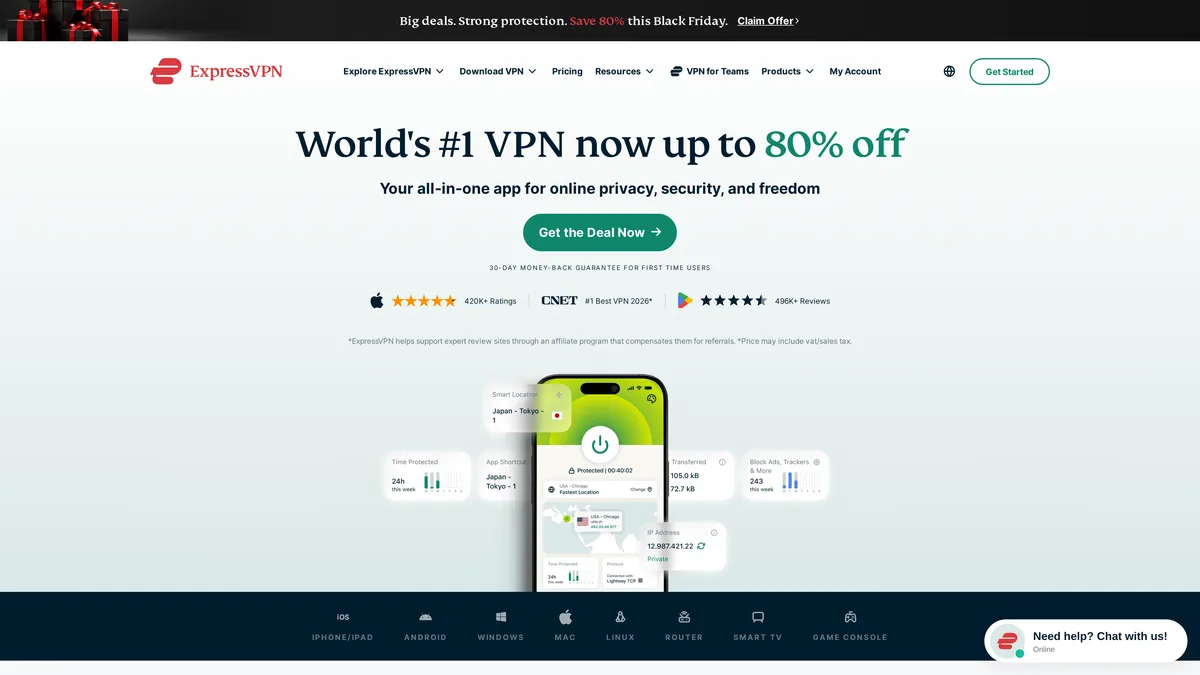
ExpressVPN home page, screenshot taken November 4, 2026

01in the rankings

ExpressVPN

It was the last one we installed before a trip to China. Yet it was the one still running on the flight home. Two technologies explain why. TrustedServer runs every server on RAM only, so all data is wiped with each reboot. Lightway is ExpressVPN's own protocol, and it picks the connection back up fast when you move from hotel Wi-Fi to cellular data.

  • Apps for phone, computer and tablet
  • 214 server locations listed on its site on 11/04/2026
  • From 10 to 14 devices at the same time depending on the plan
See the ExpressVPN deal
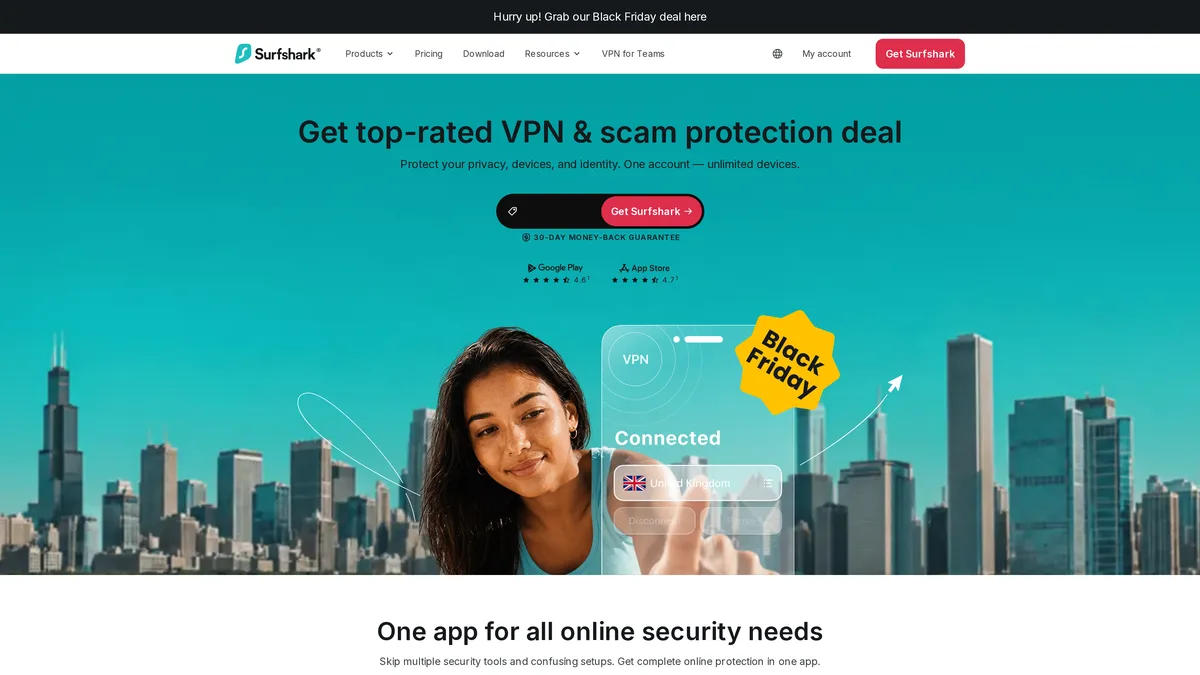
Surfshark home page, screenshot taken November 4, 2026

02in the rankings

Surfshark

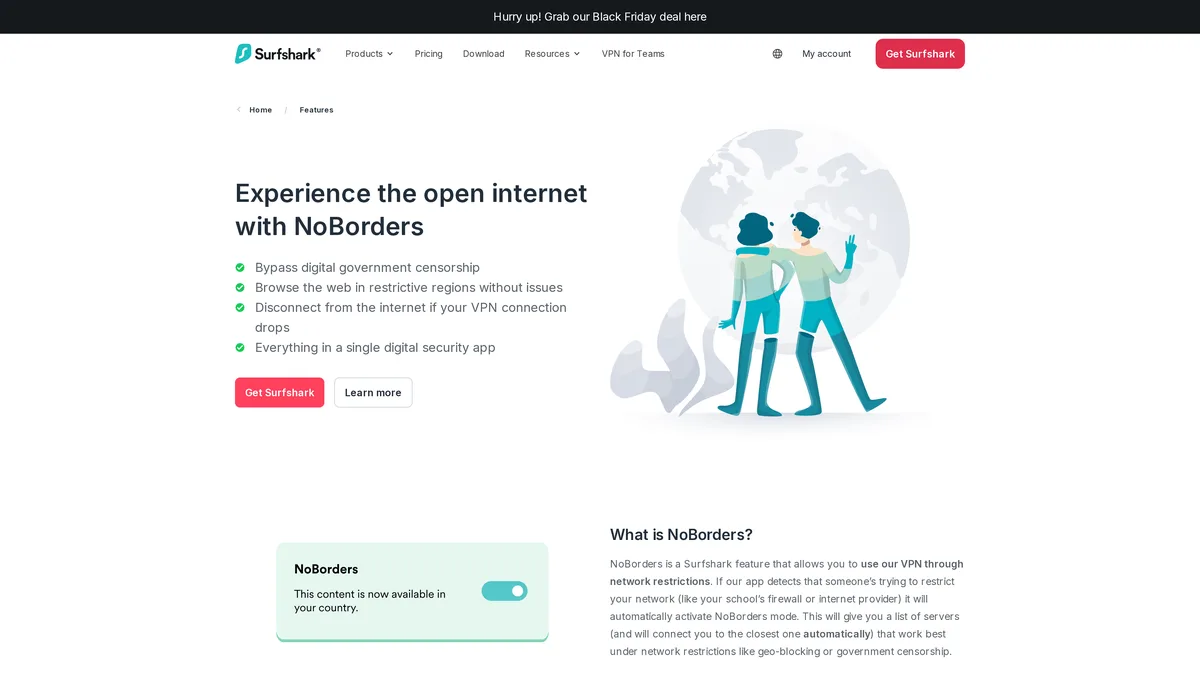
The smart pick when you travel as a group. One subscription covers an unlimited number of devices at once: your phone, your laptop and the kids' tablets too. On networks that filter traffic, NoBorders mode can switch itself on. You then get a short list of servers that should work instead of trying them one by one.

  • Unlimited simultaneous connections
  • NoBorders mode, which you can also turn on by hand in the settings
  • 30-day money-back guarantee
See the Surfshark deal
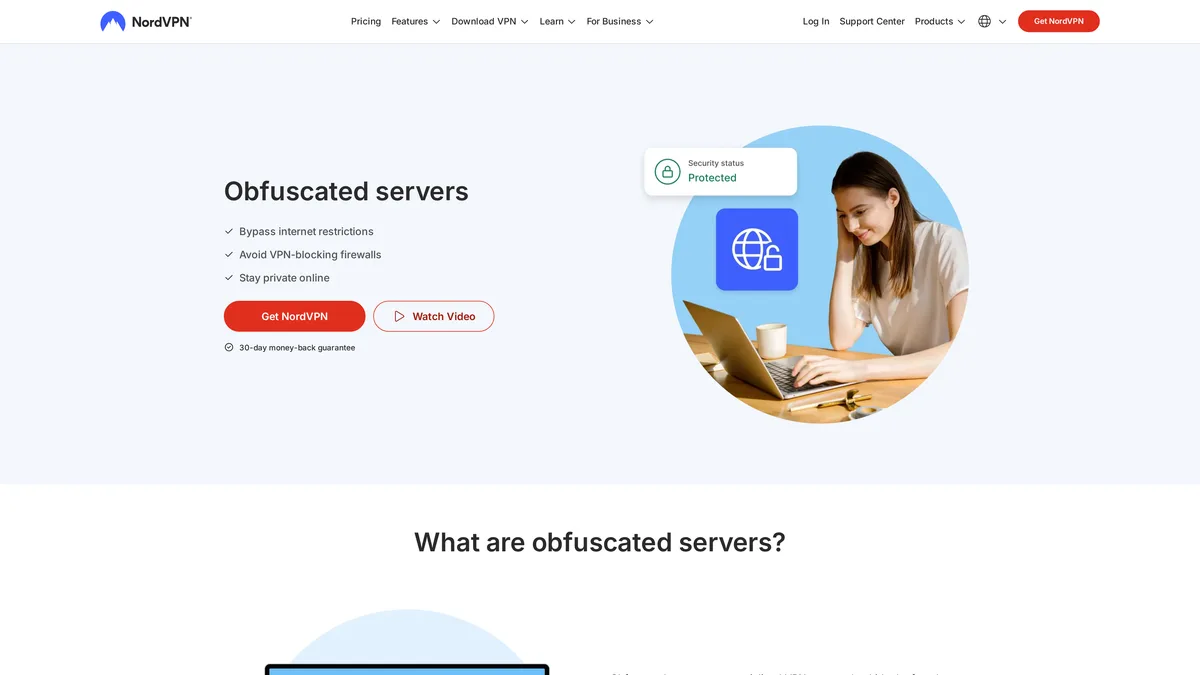
NordVPN obfuscated servers page, screenshot taken November 4, 2026

03in the rankings

NordVPN

It earns its spot mostly because of its obfuscated servers. Encryption protects what you send, but a network can still tell that you are using a VPN. Obfuscation makes that traffic harder to recognize for the systems trying to filter it. NordVPN also puts a lot of weight on its no-logs policy.

  • Obfuscated servers under specialty servers in the app
  • No-logs policy, front and center in its communication
  • Settings vary by device, so read the guide before you leave
See the NordVPN deal
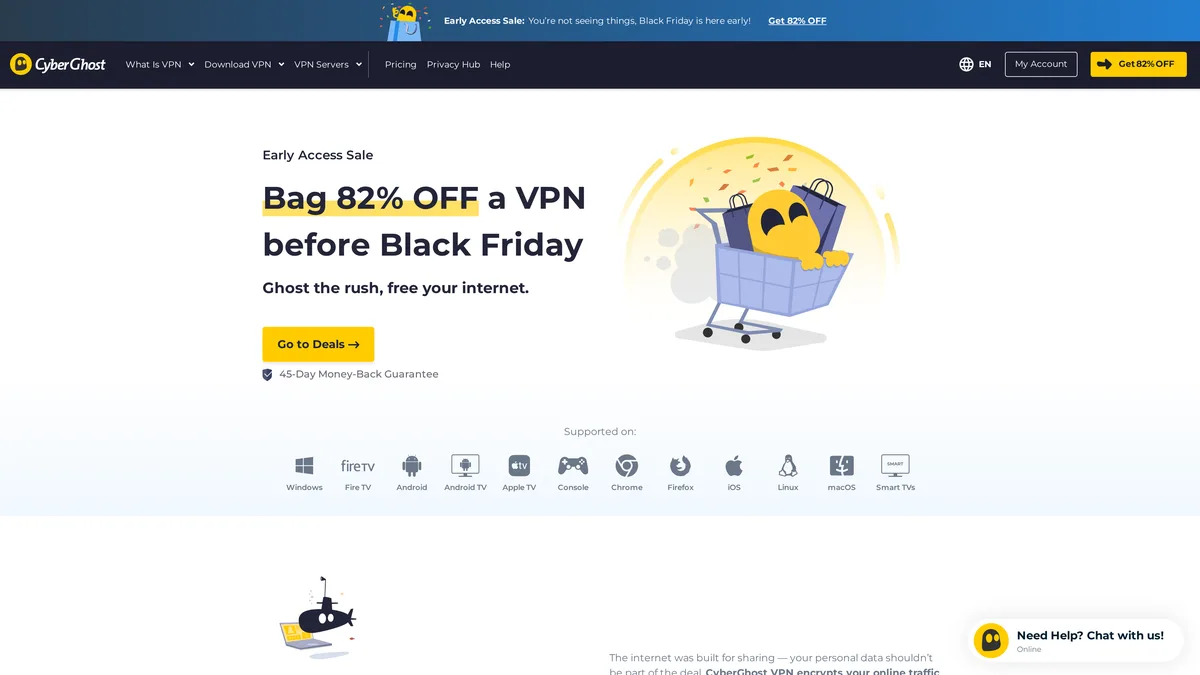
CyberGhost VPN home page, screenshot taken November 4, 2026

04in the rankings

CyberGhost

If you have never used a VPN, CyberGhost is the easiest place to start: pick a country, tap a button, done. It lacks the specialized features the top three offer for very strict networks. The 45-day guarantee does give you time to see whether it suits you.

  • Servers in more than 100 countries, 125 locations
  • The longest guarantee in these rankings
  • Fine for streaming and everyday browsing
See the CyberGhost deal

How we build these rankings

We don't run benchmarks. We install several VPNs before a trip, set them up on every device, and write down day after day what connects, what drops and what stays usable when the network changes. The rankings follow those notes, which we film and publish on our channel.

Four criteria weigh more than the rest. Reliability when the network filters traffic: a VPN can work one day and be blocked the next, so we watch how each service reacts. The number of devices per subscription. How clear the settings are, because a great mode buried three menus deep won't help you at the airport. And the money-back guarantee, which lets you start a trip with two subscriptions and keep only the one that worked.

Prices come second on purpose. They change every week and end up close to each other on long plans. We point you to the official pricing pages, nothing more.

ExpressVPN server locations list, screenshot taken November 4, 2026

What is a VPN and what is it for

A VPN, short for virtual private network, sends your connection through a server in between. Two things change as a result. Traffic between your device and that server is encrypted, so the network you're on, say a hotel's Wi-Fi, can't see what you're doing. And the websites you visit see the server's address instead of yours. To them, you appear to be in the server's country.

In practice, people use a VPN to reach their usual services from a country that blocks them, to watch a streaming service as if they were at home, to protect their data on public Wi-Fi, or simply to limit what their internet provider knows about their browsing.

What a VPN won't do: it won't make you anonymous on its own, it doesn't replace antivirus software, and it doesn't exempt you from the rules of the country you're in. Some countries regulate VPN use. Look that up before you go, especially for business travel.

Free VPN: why we don't recommend one here

The question keeps coming up, and fair enough. A free VPN has a hidden price. Either it's so limited in speed and data that it's only good for email, or it makes money from your data or from ads. That is the exact opposite of why you installed it.

On networks that actively filter VPNs, free services are also the first ones to get blocked. They have no obfuscated servers and no in-house protocols, and those are what make the difference. If budget is your main constraint, look at the money-back guarantees in the rankings. Thirty to forty-five days covers a trip, and you come home having used a full service.

Our country guides and videos

Every country has its own blocks and surprises. We gather what we learned destination by destination: which services stop working, which VPN held up, and which settings to turn on before takeoff.

Our first video covers a stay in China with three VPNs in our pocket. It explains the rankings above better than a long page of text.

Frequently asked questions

What is the best VPN in 2026?

For us, ExpressVPN, because it held up the longest in the toughest conditions we ran into. Surfshark comes out on top if you need to cover a whole family, and NordVPN if the networks you use every day recognize and filter VPNs.

One VPN or two for a trip?

Two, if your destination is known for filtering the internet. No service is safe from a temporary block. Thanks to money-back guarantees, you can install two subscriptions before you leave and cancel the one you used less.

Is it legal to use a VPN in the United States?

Yes, using a VPN is legal in the United States. Whatever you do with it falls under the same laws as a regular connection. Abroad, it depends on the country: our destination guides lay out what you should know before you go.

Why don't you cover free VPNs?

Because we didn't keep a single one. Slower speeds, data caps and above all no chance on networks that filter. A paid VPN with a money-back guarantee costs the same for a short trip, and you get a full service.

How many devices can you connect?

It depends on the service. Surfshark sets no limit. ExpressVPN allows 10 to 14 devices depending on the plan, and the others list their limit on their pricing page. Count your devices before you choose: phone, computer, tablet, and those of whoever travels with you.

What should you do if the VPN stops connecting abroad?

Pick another server, try a different protocol in the settings, and turn on the mode for restrictive networks (NoBorders on Surfshark, obfuscated servers on NordVPN). Keep the support instructions offline too, since the provider's help page may be blocked as well.